Release notes
What’s new in G-Aesthetics 2
Version 2.0 ·
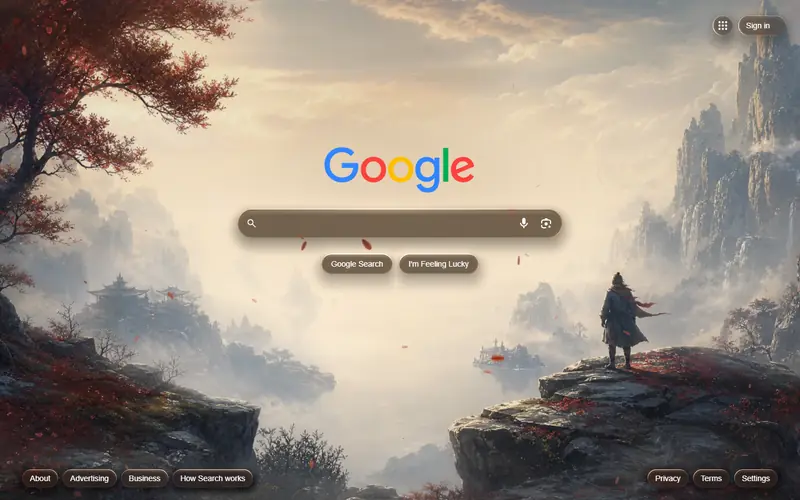
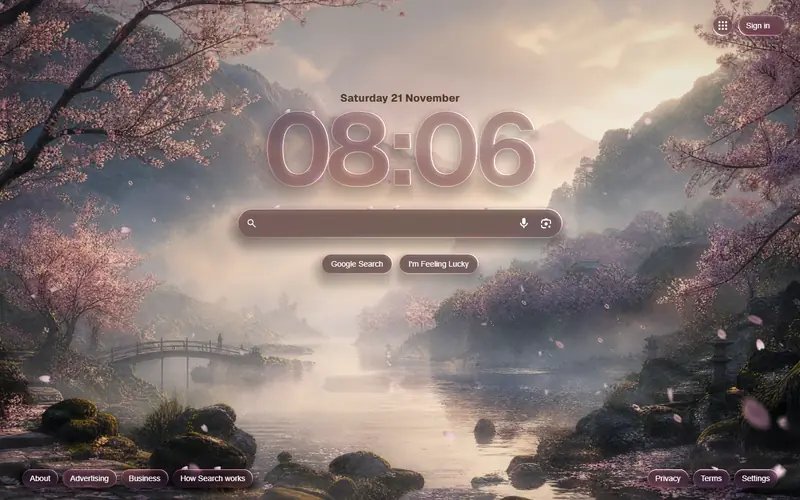
Version 2 is a full rebuild. Your Google homepage is now a design: a background, a style and a logo. Backgrounds can be live scenes. Everything you saved comes with you.
01
Live scenes
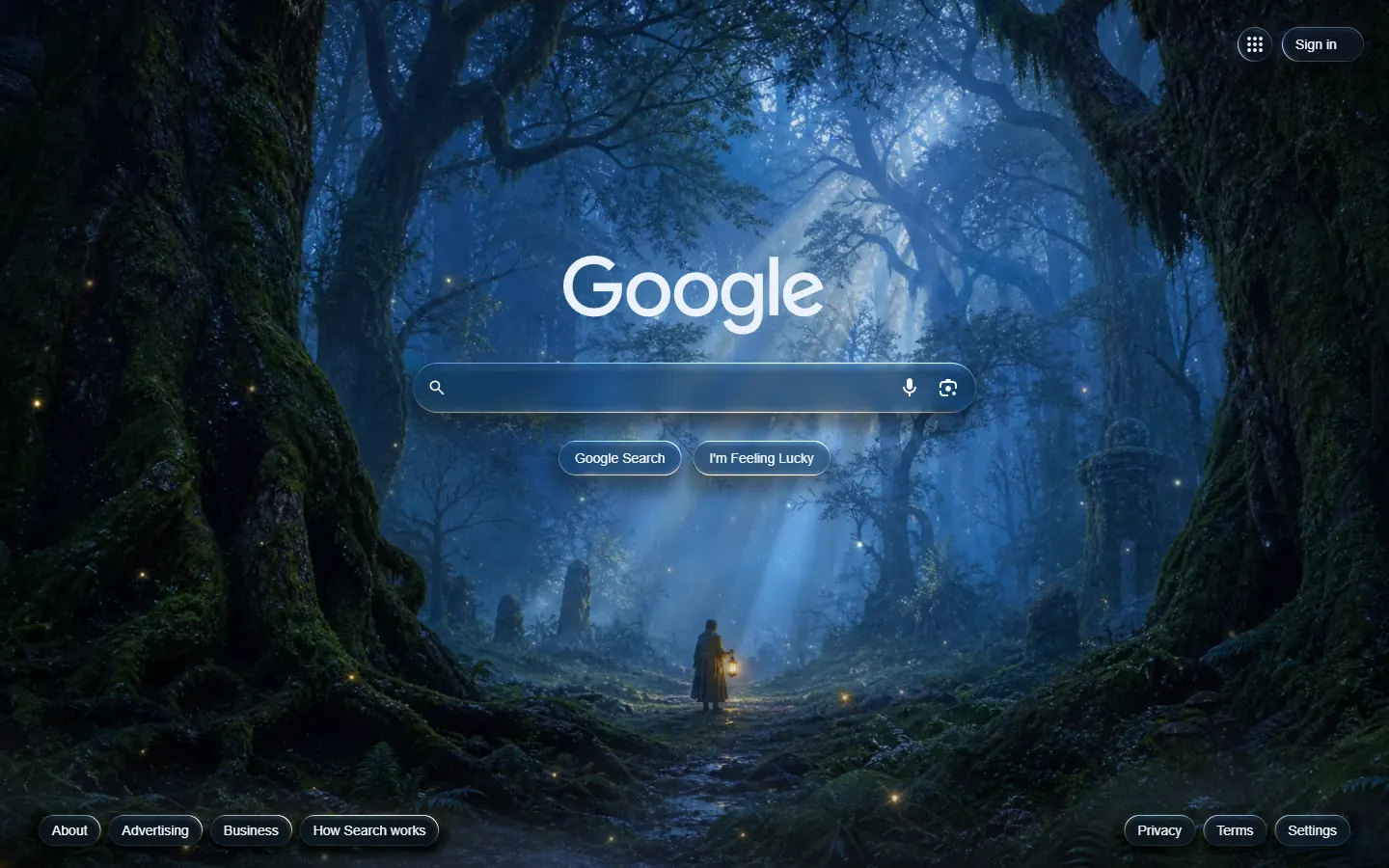
14 live scenes. Your graphics card draws them while you watch, so they are not videos. They follow your pointer, pause when you switch tabs and show a still image if your system reduces motion. Some are free, the HQ scenes come with Premium.
02
Liquid glass
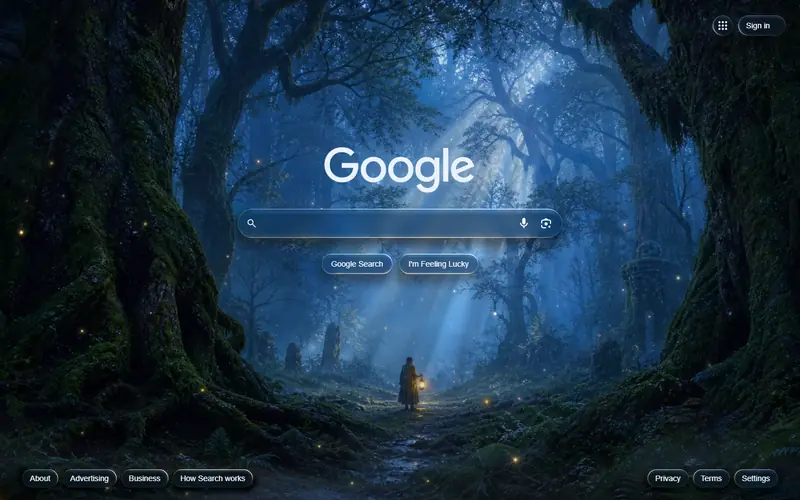
The search bar and buttons are glass and show the scene behind them.
- Chips Every link and button has its own surface instead of one long bar. New installs start with chips. Designs from version 1 keep their bar.
- Chips or bar Switch in Advanced: “Separate chips” or “Full-width bar”.
03
Designs
A design is a background, a style and a logo. There is always one current design, and it saves itself. Start from a template in Explore or from one of your own, change what you like, then save it under its own name in My designs.
 Aesthetics
My designs


04
A new popup
Three tabs instead of three pages: Designs, Customize and Advanced. The popup takes its colors from your current design.
- Customize Swap the background, the style or the logo, and move four sliders for opacity, blur, roundness and background brightness.
- Advanced Every field of every area, with a counter of what you changed and a reset next to each field.
- A real color picker With opacity, color codes, colors taken from your background and an eyedropper for any color on screen.
- Undo Applied a template, deleted a background, reset a field? The message that follows has an Undo button.
- Quick links Quick links can be hidden by everyone, not only with Premium. The switch is in Advanced.
- Styles Glass, Night, Floating, Light and Invisible.
- Languages English, German, Spanish, French and Chinese.
05
One library
Your uploads, your loaded backgrounds and the whole collection are now in one place, in three sections: Own, Loaded and Explore. Search by word or filter by type, category, mood and color. Loading a background also puts it to use, in one step.
Upload your own picture and G-Aesthetics offers matching colors for the search bar and text. Undo brings back your own. How to change your background
Add depth to your own photo. G-Aesthetics calculates the depth on your computer. Your photo then moves like a scene. With Premium. What Premium adds
06
Logos
Google logo, Google single-color, Clock, Custom text, Greeting, Quote and Own image. Quote and Own image come with Premium, and your own image can even be animated. All about logos
07
Where things moved
Coming from version 1? Your designs, uploads and downloads move over on their own. Here is where you find the rest.
- Backgrounds tab
- “Change” next to Background in Customize
- Theme tab
- Customize for the big picture, Advanced for every detail
- User tab and plans
- Settings, behind the gear icon
- Saved presets
- My designs, each with the background you had when you updated
- Presets “Dark Mode” and “No Background”
- Pick the style Night in Customize
- Logo type “time”
- The logo Clock
- Video on or off
- “Play in motion” on the background
- No background at all
- A new default background, a slowly moving band of light
Version 2 is here.
Already installed? Chrome updates G-Aesthetics on its own.