
Google homepage dark mode, step by step.
Google has its own dark theme for Search. Here is how to turn it on, why your homepage may have gone dark by itself, and how to go darker than dark grey.
Built into Google
Turn on Google’s dark theme
Works in Chrome, Edge and any other desktop browser. If you are signed in, Google keeps the choice on each computer where you use your account. Google’s own help page
- Search for anything on google.com.
- Open Settings, then “See all settings”.
- On the left, click “Appearance”.
- Choose “Dark theme” and click “Save”.
Why did my Google homepage turn dark?
Until you pick a theme, Google uses “Device default” and follows the color scheme of your computer. Switch your system to dark, and Google follows. To keep it white, choose “Light theme” in the same Appearance settings.
Darker than dark grey
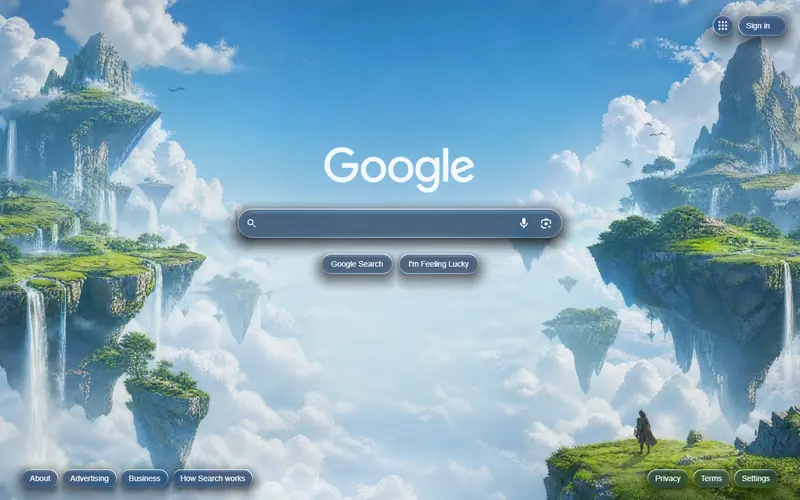
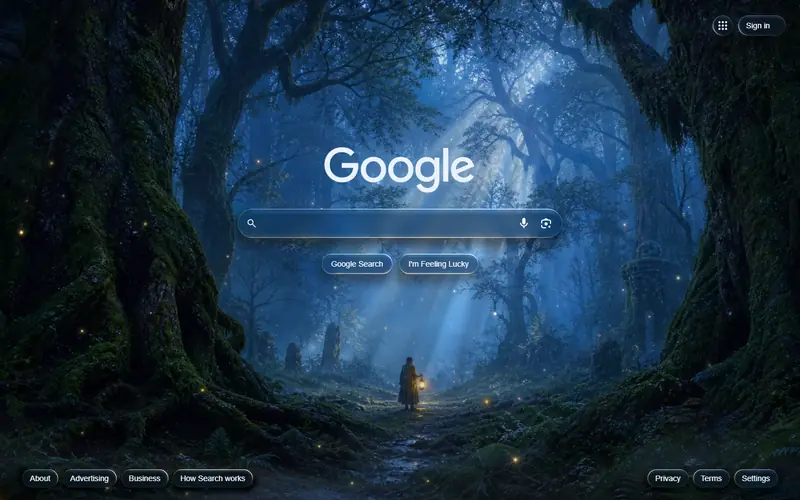
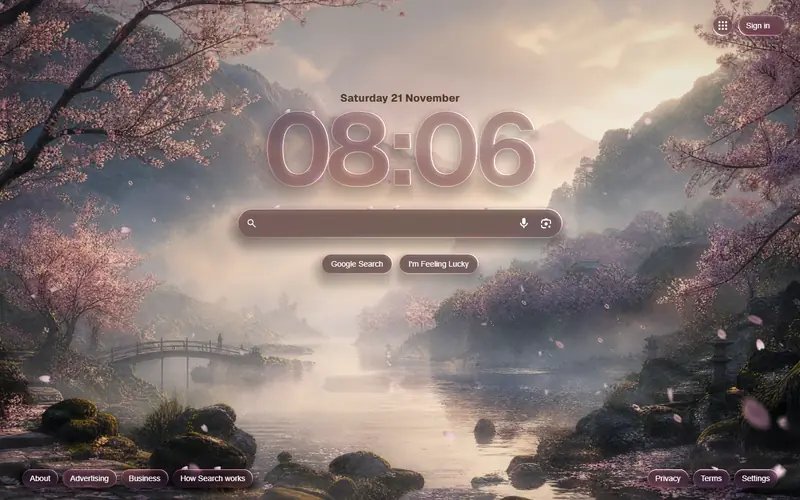
Google’s dark theme turns the page grey. G-Aesthetics, a free extension for Chrome, goes further: a night scene behind the search bar, and a style that dims every surface to match.
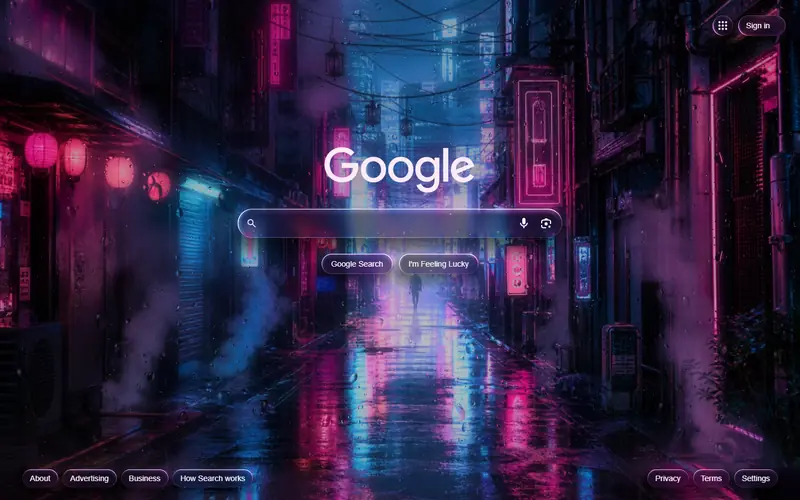
Neon RainHQ
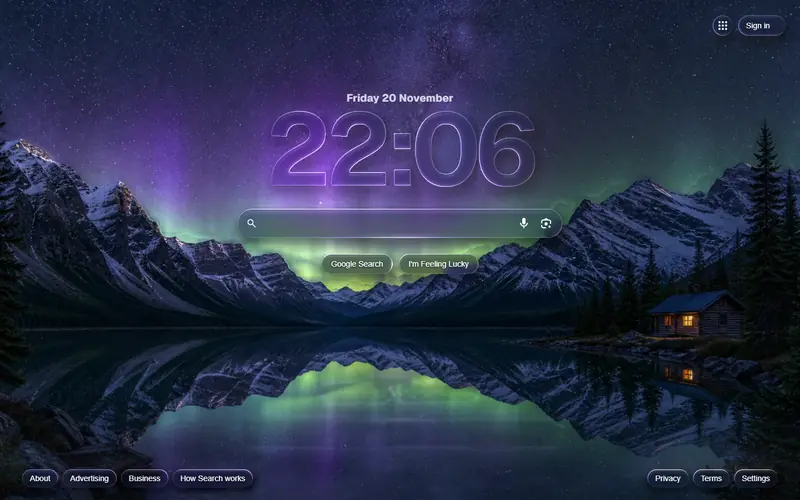
Starlit LakeHQ
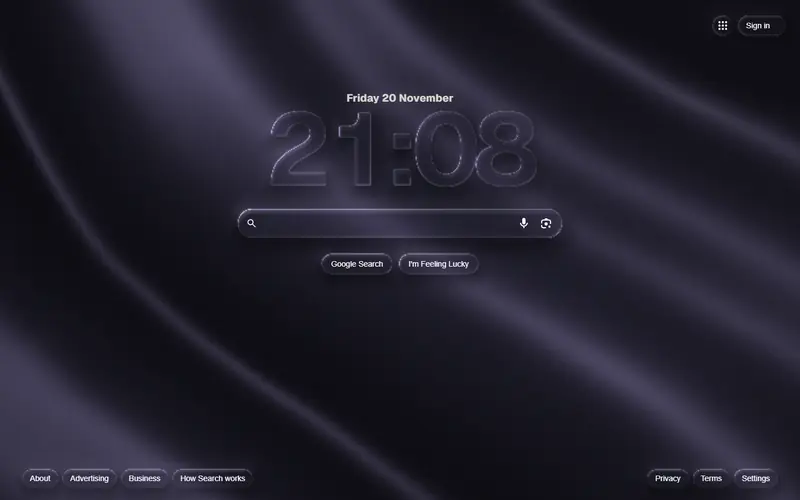
SatinFree
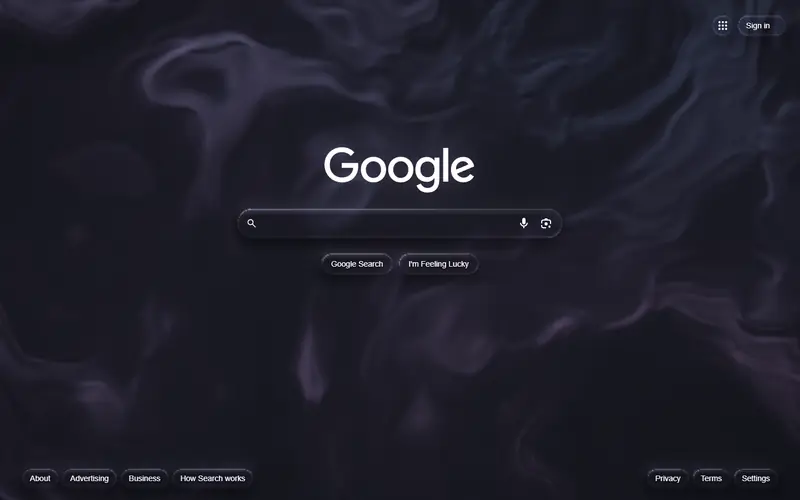
Ink VeilFree
Generative scenes take their colors from your design and always stay dark. Free scenes to start, HQ scenes with Premium. All scenes
Styles for the search bar and text
- GlassClear frosted glass that lets the scene shine through.
- NightDeep navy surfaces and soft light text. Calm and easy to read.
- FloatingRounded surfaces that hover on soft shadows.
- LightBright frosted surfaces with dark text, made for light images.
- InvisibleSurfaces step back and leave the whole page to the background.
Dark mode questions
How do I turn on dark mode for the Google homepage?
Search for anything on google.com, open Settings, then “See all settings”. Click “Appearance” on the left, choose “Dark theme” and click “Save”.
Why is my Google homepage dark?
Google’s theme is set to “Device default” unless you change it. It then follows the color scheme of your computer, so if your system is dark, Google is dark too.
How do I turn Google back to white?
Open the same settings page: Settings, “See all settings”, “Appearance”. Choose “Light theme” and click “Save”.
Does Google’s dark mode work in Chrome and Edge?
Yes. Google lets you choose a theme for Search in any desktop browser, such as Chrome, Edge or Firefox. Signed in, the choice applies on each computer where you use your Google account.
Let Google go dark.
Free for Chrome, with free scenes to start.