
Aesthetics
Add to Chrome

Guide · 4 steps · about a minute

How to change your Google background

Google’s search homepage has no background setting. With the G-Aesthetics extension for Chrome you can put a live scene, a wallpaper or your own picture behind it.

Drag to compare. After: the scene Cloud Islands with the Glass style.

In short

  1. Add G-Aesthetics from the Chrome Web Store.

    Open G-Aesthetics in the Chrome Web Store and click “Add to Chrome”. It is free.

  2. Open google.com and click the extension icon.

    Pin it first: click the puzzle icon next to the address bar, then the pin next to G-Aesthetics.

  3. Go to Customize and change the background.

    Click “Change” next to Background and pick a scene, one of 51 backgrounds or your own picture (Premium).

  4. Google changes right away.

    G-Aesthetics loads your pick and shows it on google.com in one step.

Two pages that look alike

Chrome shows a Google search box on two different pages. Which one you mean decides how you change its background.

New tab

The New Tab page

Chrome can do this on its own. Open a new tab, click “Customize Chrome” at the bottom right, choose “Change theme” and pick a theme or upload an image.

With G-Aesthetics, new tabs open your designed Google homepage; turn the extension off for Chrome’s usual new tab.
google.com

The Google search homepage

Google has no background setting here. G-Aesthetics adds one, together with styles for the search bar and a logo of your choice.

It does not touch search results or any other Google page.

What you can use as a background

  • 01

    A live scene

    14 scenes that move as you watch: rain on glass, fog, aurora. Some are free, the HQ scenes come with Premium.

    See the scenes
  • 02

    A wallpaper from the collection

    One of 51 backgrounds. Search Explore by word, or filter by type, category, mood and color.

  • 03

    Your own picturePremium

    An image, a GIF or a video. Afterwards G-Aesthetics offers colors for the search bar and text that match your picture.

    With Premium, “Calculate depth” turns your own photo into a scene. The depth is calculated on your computer.

    With Premium

Looking for aesthetic Google backgrounds?

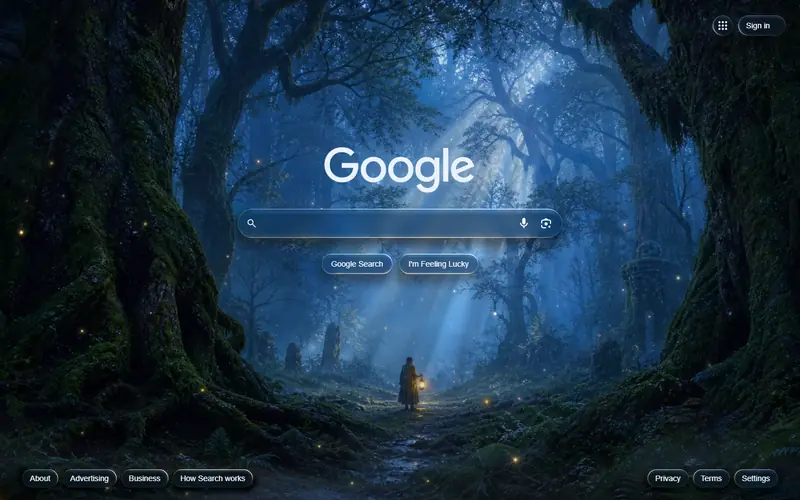
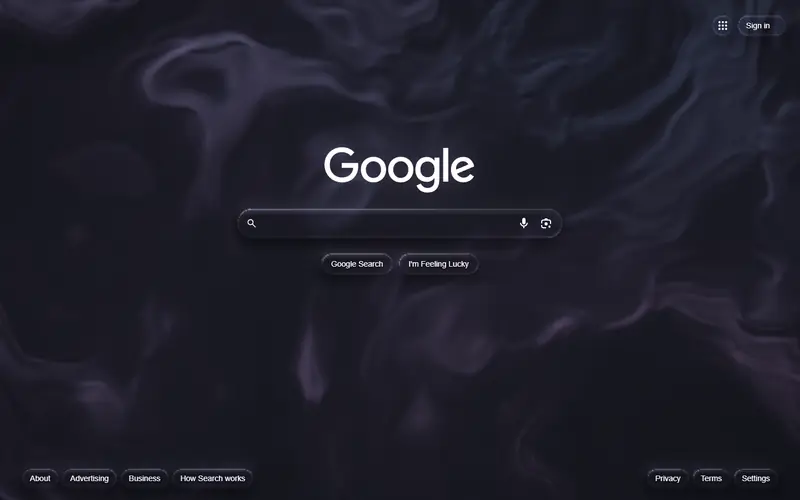
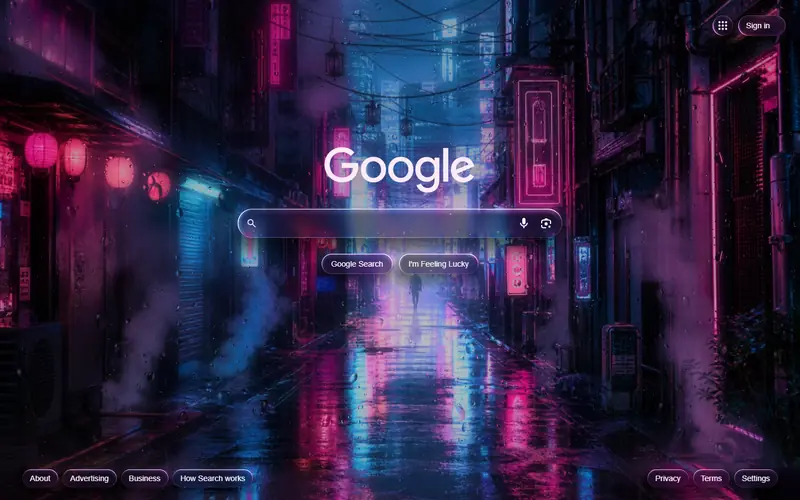
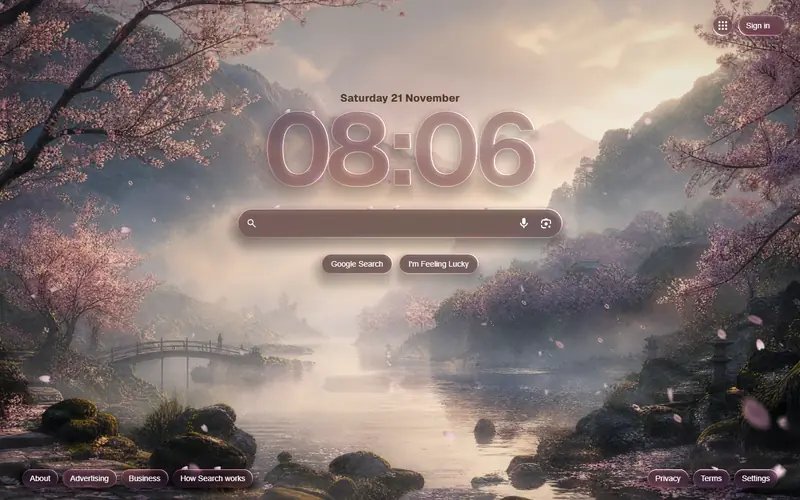
Neon streets in the rain, cherry blossom at dawn, a forest in fog, dark ink in water. Here is how they look behind the search bar.

Just want Google black instead of white? That is a theme, not a background: turn on Google’s dark mode.

Questions

Can I change the Google background without an extension?

On Chrome’s New Tab page, yes: Chrome has its own “Customize Chrome” panel for that. The Google search homepage at google.com has no background setting of its own, which is what G-Aesthetics adds.

Does my new background change Google for other people?

No. The extension only changes how google.com looks in your own browser. Search results and your Google account stay exactly as they are.

Can I use a GIF or a video as my Google background?

Yes, with Premium. Or pick one of the live scenes, which move without being a video.

How do I get the normal Google page back?

Use the switch at the top of the G-Aesthetics popup. It turns your design on the Google page off, and your settings are kept for when you switch it back on.

Give Google a new background.

Free for Chrome. Off again with one switch.