
Change the Google logo to your name.
Or to a greeting, a clock, a single color, a quote or your own picture. G-Aesthetics swaps the logo on the Google homepage in Chrome, and only in your browser.


Kinds of logo
- Google logo
- The original, in Google’s own colors.
- Google single-color
- The Google logo in one color of your choice.
- Clock
- The current time, right where the logo was.
- Custom text
- Your own words in place of the logo.
- Greeting
- A greeting for the time of day, with your name.
- QuotePremium
- Your own quotes in place of the logo.
- Own imagePremium
- Your own picture as the logo, even an animated one.
How to change it
- Open google.com and click the G-Aesthetics icon in your toolbar.
- In the Customize tab, click “Change” next to Logo.
- Pick a kind, for example “Custom text”.
- Under Advanced, in the Logo group, type your words in “Text” and fine-tune font, size, color and glow.
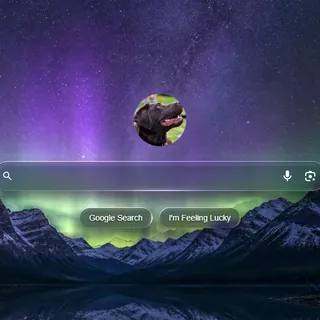
Your own image, in Google’s place.
Use any picture, even an animated one, as your logo. With Premium. What else Premium includes
Logo questions
Can I change the Google logo to my name?
Yes. Choose the logo “Custom text” in G-Aesthetics, then type your name under Advanced, in the Logo group. It appears on the Google homepage in place of the Google logo.
Does this change the Google logo for other people?
No. The logo only changes on the Google search homepage in your own browser. Nobody else sees it, and search results stay untouched.
Can I use my own image as the Google logo?
Yes, with Premium. Choose “Own image” under Logo and upload a picture.
How do I get the original Google logo back?
Choose “Google logo” under Logo in the Customize tab. Or turn your whole design off with the switch at the top of the popup.
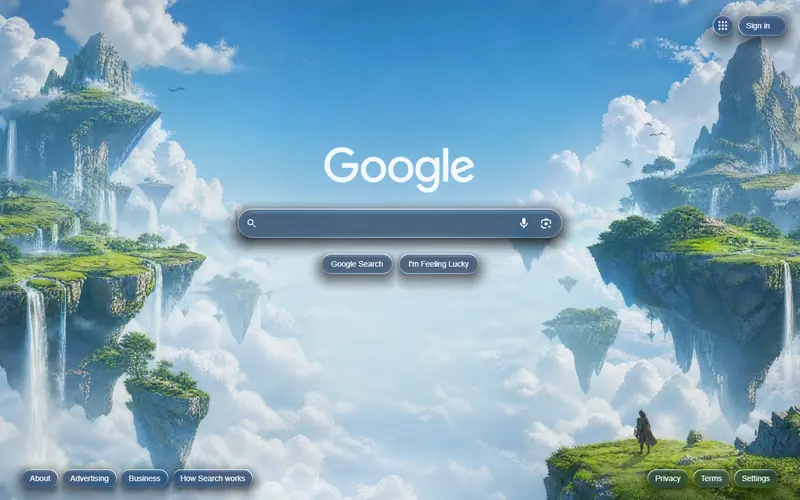
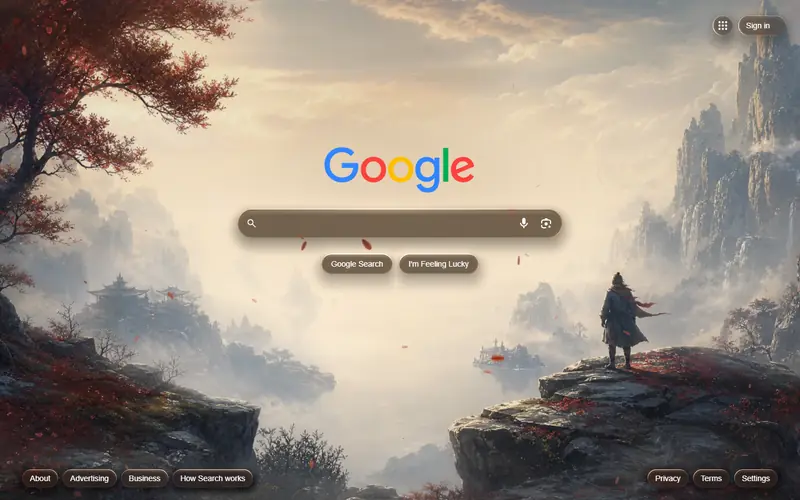
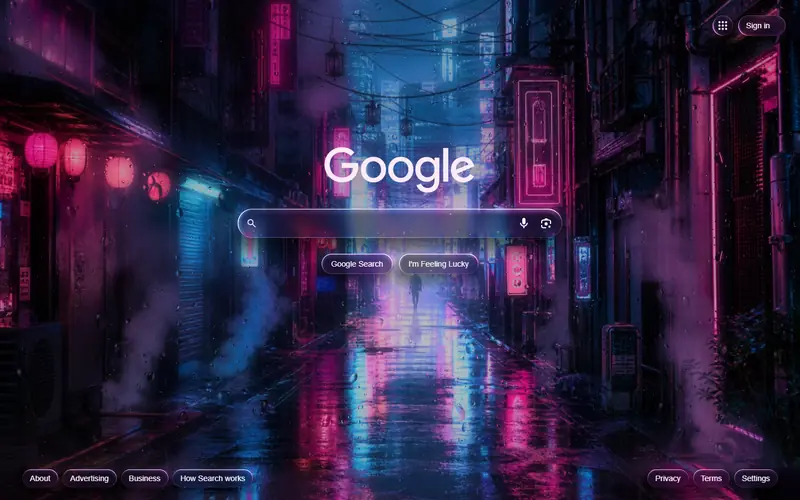
Put your name on Google.
Free for Chrome. Your text logo is free too.