
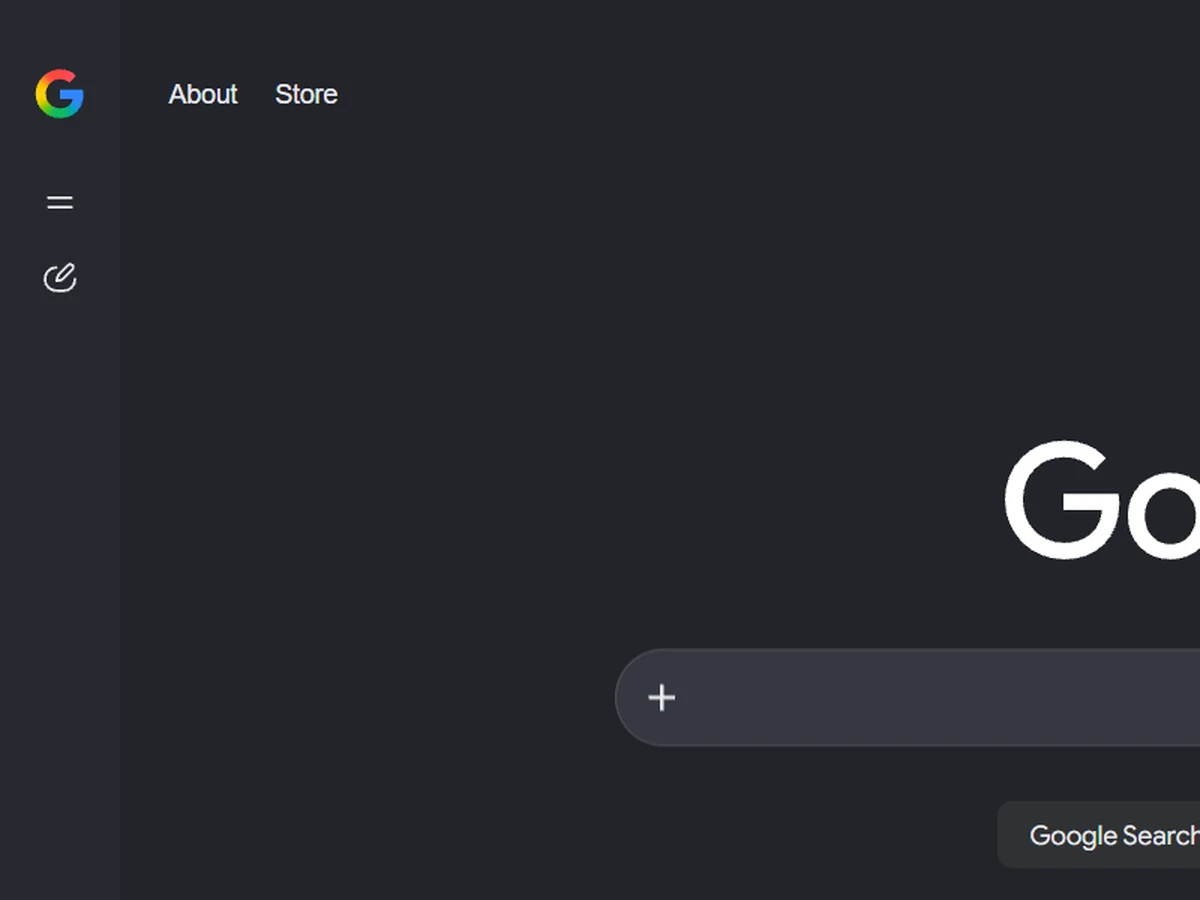
How to remove the Google sidebar in Chrome
The easiest fix is our extension, Remove Google Sidebar. Install it from the Chrome Web Store, and the sidebar disappears from both the homepage and the search results, giving the page the full width of the window back. Tabs that were already open just need a reload.
To bring the sidebar back, click the circle in the extension’s popup; click it again to hide it. In AI Mode, the extension leaves the sidebar in place, because that’s where it holds your chat history.
What is the new Google sidebar?
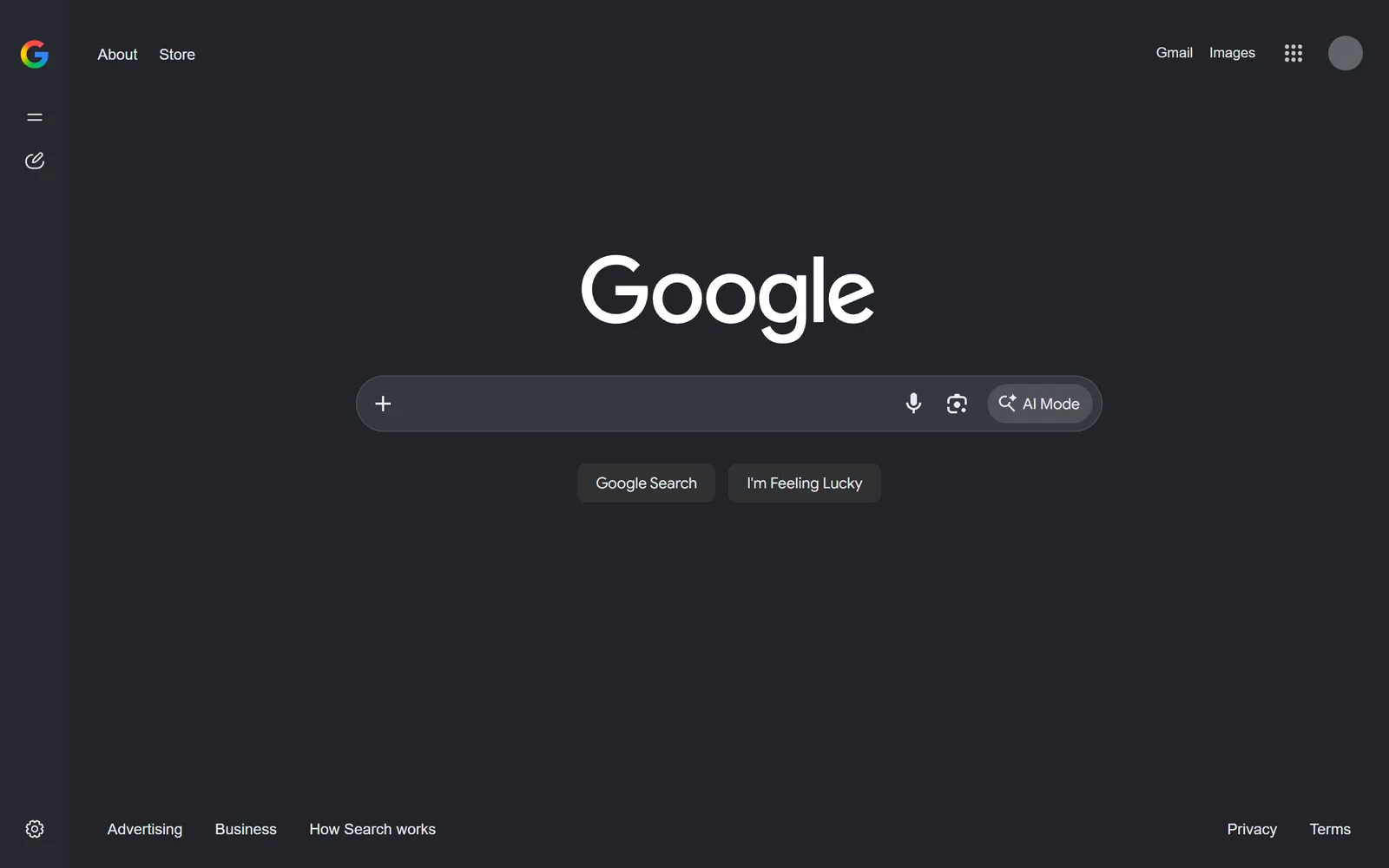
Google calls it a “collapsible sidebar.” Robby Stein, Google Search’s vice president of product, announced on X on November 19 that it’s rolling out worldwide on the desktop homepage, pitching it as a way to “easily find & jump back into your recent AI searches.”
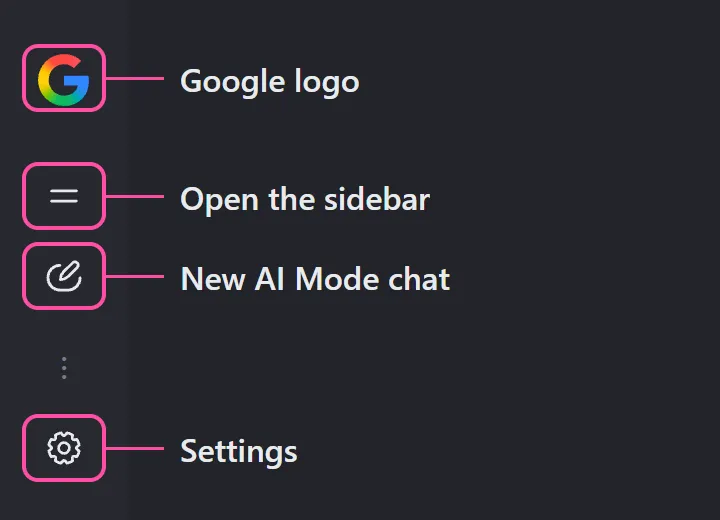
Collapsed, it’s a thin strip along the left edge of the page. Open it, and it lists your recent AI Mode chats.
Before that, Google had tested it on the All tab of the search results, Search Engine Roundtable reported on October 14, 2026. The rollout is gradual, so you might see the sidebar in one browser but not yet in another.
Why can’t you turn off the Google sidebar?
Google’s settings have no toggle for it. And because the sidebar is part of the Google Search website rather than Chrome, no Chrome setting or flag reaches it either, as PiunikaWeb explained.
When the sidebar gets in the way
On a shared computer. If you stay signed in to Google on a computer other people use, anyone who opens the sidebar can see your recent AI Mode questions, Notebookcheck points out. Hiding the sidebar keeps that list out of sight without deleting it; the FAQ below covers how to clear it.
In a narrow window. Shrink the browser window or split the screen, and the sidebar can cover part of the results and cut off links, according to PiunikaWeb.
Why did Google add the sidebar?
Officially, it’s about convenience. Many of the questions people bring to Search “aren’t just one and done,” Stein wrote in the same post, and the sidebar is “a much simpler way to pick up where you left off” (via Search Engine Roundtable). Google hasn’t given any other reason.
One step in a series. In August 2026, Google tested AI shortcuts beneath the search box on its homepage.
A product Google says is growing fast. At I/O in May 2026, Google said AI Mode had more than a billion monthly users, and head of Search Liz Reid wrote the same day that AI Mode queries were “more than doubling every quarter since launch.” On Alphabet’s October 2026 earnings call, chief business officer Philipp Schindler said “the majority of AI Mode queries are incremental,” though he noted their “lower monetization” so far. CEO Sundar Pichai said Google is following the same order it did in the shift to mobile: the “best Search user experience, followed by monetization.”
Pressure from chatbots. ChatGPT handled about 1.2 billion queries a day in March 2025, compared with roughly 140 million for the Gemini app, according to a Google estimate cited in the US antitrust ruling of September 2025 (p. 42). In the UK, ChatGPT’s query volume reached 10 to 15 percent of Google Search’s in June 2025, according to the Competition and Markets Authority (decision, para. 5.28).
A gap in the browser. Only 0.34 percent of US browser searches from January to April 2026 went on to AI Mode, according to an independent count by SparkToro. That count measures something other than Google’s user count, so the two figures don’t contradict each other.
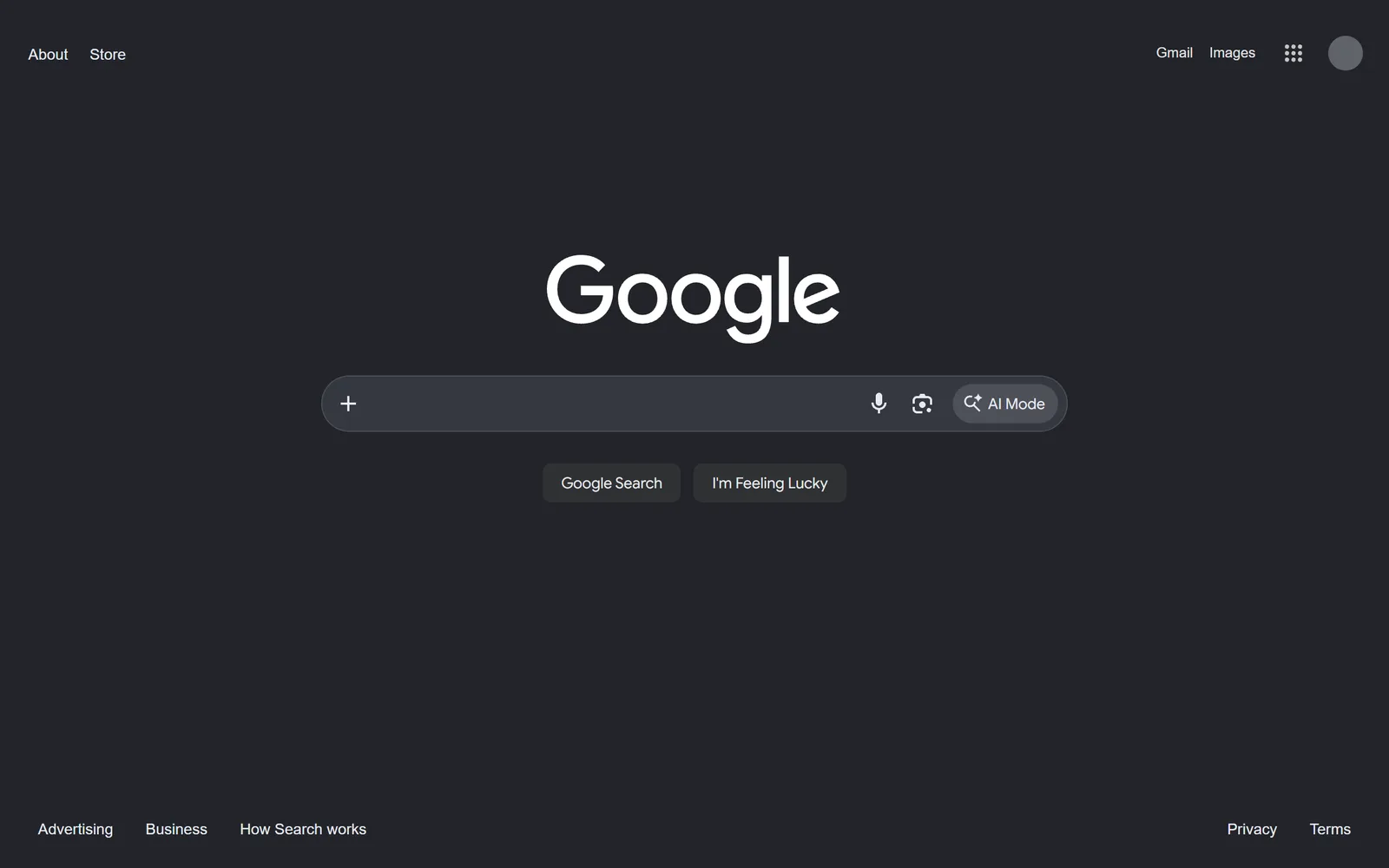
Our take: Since May 2025, Google has steadily pushed AI Mode to the front of its homepage, first as a test that replaced “I’m Feeling Lucky,” then as a button in the search box, and now as a sidebar that’s always on screen. With so few browser searches ending up in AI Mode, we read the sidebar as an ad for Google’s own product. Anyone who opens Google is meant to see AI Mode before typing a single word.
How we tested the extension
Before release, we ran the extension in Chrome on November 27, 2026, signed in to a Google account:
- Homepage: we checked a wide window in English, German, Japanese, Arabic, Hebrew and Persian, and a narrow one in English, German and Arabic. In right-to-left languages, Google puts the sidebar on the right; it disappears there too, and the page re-centers without jumping.
- Page load: the sidebar never flashed on screen, not even while Google was still building the page.
- Switching to AI Mode and back: the sidebar stayed in AI Mode and vanished again as soon as we returned to the homepage.
- Result tabs: our test account didn’t have the sidebar on the results page yet, so we checked that nothing else disappeared on All, Images, Videos, News, Shopping, Books and the other tabs.
Hide the sidebar with uBlock Origin
If you already use uBlock Origin, you can hide the sidebar with a few custom filters. Paste these lines into “My filters” in the uBlock dashboard and click “Apply changes”:
www.google.*##body > div > div > div:has(.aim-lhs-panel-container, [data-lhsb]):not(:has(form))
www.google.*##[data-xid="m3fCN"]
www.google.*##[jsname="lz2xLb"]
www.google.*##[data-lhsb]
www.google.*##body > div:has(.aim-lhs-panel-container, [data-lhsb]):style(margin-inline-start: 0 !important; padding-inline-start: 0 !important)
www.google.*##.plsC5e[jsname="dtlGSb"]:style(margin-inline-start: 0 !important; padding-inline-start: 0 !important)
www.google.*###gsr.K9MSg:style(margin-inline-start: 0 !important; padding-inline-start: 0 !important)
The first four lines hide the sidebar; the rest reclaim the space Google reserves for it. The filters rely on internal names in Google’s code, so they break whenever Google rebuilds the page; that’s why our extension fetches fresh rules every day. They also hide the sidebar in AI Mode, where it holds your chat history, and there’s no toggle: to get it back, you have to delete the lines. One more catch: Chrome now runs only uBlock Origin Lite, which accepts custom filters, though we haven’t tested these there.
FAQ
Can I turn off AI Mode on Google?
No. As of late November 2026, there’s no setting to switch off AI Mode itself. Regular search still works as before, though, and AI Mode only opens when you choose it.
Can I just collapse the sidebar?
Only partly. The menu button opens and closes the full sidebar, but the narrow strip of four icons stays put, and so far Google offers no way to hide it.
How do I delete my AI Mode history?
Open AI Mode and click AI Mode history on the left. To remove a single chat, open its More menu (the three dots) and choose Delete; to clear everything, use More at the top of the history and choose Delete all. Deleted chats can still show up in My Activity for up to 24 hours, according to Google’s help page. Temporary threads, which Google added in November 2026, aren’t saved to your history and disappear after 24 hours.
Does the extension read my searches?
No. It hides the sidebar with CSS and checks only whether the sidebar is on the page, never what you type or what Google shows you. Once a day, it downloads a small file of updated rules from our website. It sends us a report only if you click Not working? in the popup, and that report contains nothing but the sidebar’s structure: no page text, no searches, no web addresses. The details are in our Privacy Policy.
I still see the sidebar. What can I do?
Start by reloading the tab. In Opera, you may also need to open the extensions page, find Remove Google Sidebar and turn on Allow access to search page results. If it still won’t go away, click Not working? in the popup so we can update the rules.
What about my phone?
Google announced the sidebar for the desktop homepage and hasn’t said anything about phones yet. Chrome on Android and iPhone doesn’t support extensions anyway.
From the developer of G-Aesthetics
The developer of Remove Google Sidebar also makes G-Aesthetics, a Chrome extension that dresses up your Google homepage with animated scenes and a glass search bar. If you’re tidying up Google anyway, it’s worth a look.
Google, Google Chrome and the Chrome Web Store are trademarks of Google LLC. Remove Google Sidebar and G-Aesthetics are not affiliated with Google.
All articles